
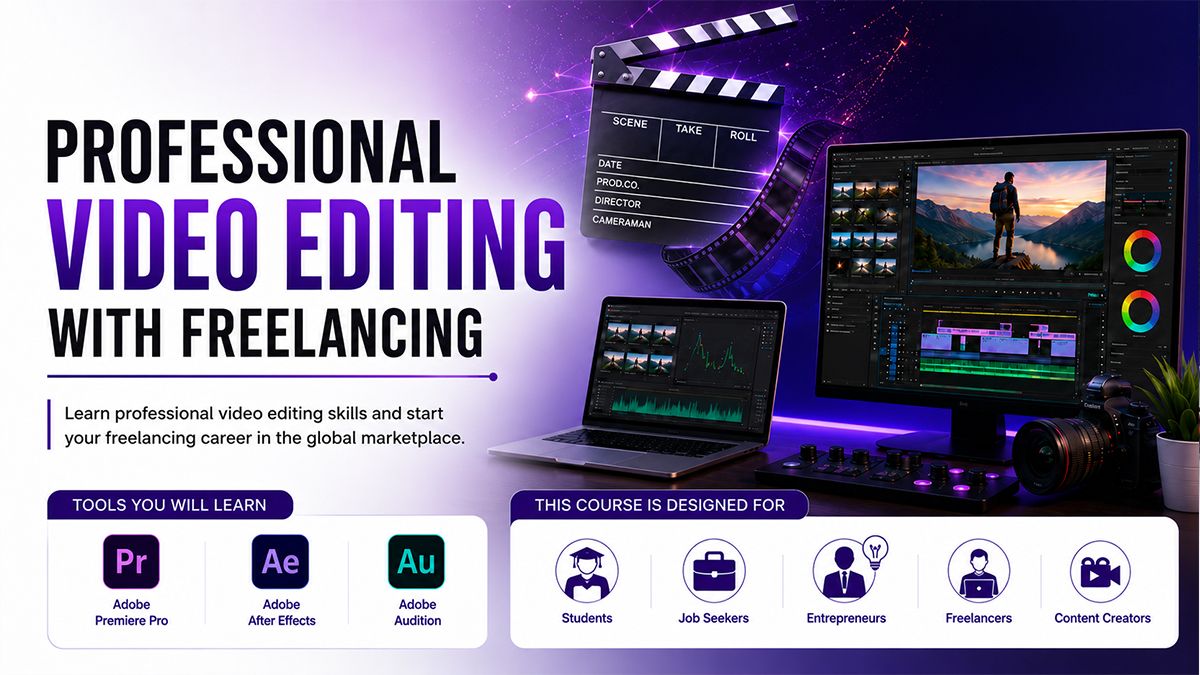
🎬 Professional Video Editing and Freelancing.
Course Details
🎬 Professional Video Editing with Freelancing
Master Professional Video Editing & Build Your Freelancing Career
Learn industry-standard video editing using Adobe Premiere Pro, Adobe After Effects, and Adobe Audition. This practical, project-based online course is designed for students, content creators, freelancers, entrepreneurs, and aspiring video editors who want to create professional-quality videos for YouTube, social media, marketing, and business.
📅 Course Information
• Duration: 3 Months
• Total Classes: 24
• Class Duration: 1.5 Hours
• Frequency: 2 Classes/Week
• Training Method: Practical & Project-Based Online Class
• Skill Level: Beginner to Advanced
🖥️ Course Prerequisites
• Basic Computer Knowledge
• Desktop or Laptop
• Internet Connection
⭐ Course Facilities
• 🎥 Online Live Classes
• 🔄 Review Classes
• 📹 Class Recordings
• 📂 Learning Resources
• 💼 Virtual Internship
📚 Course Modules:
Module 1 – Adobe Premiere Pro
• Video Editing & Timeline Management
• Color Correction & Color Grading
• Audio Editing & Sound Synchronization
• Transitions & Visual Effects
• YouTube & Social Media Video Editing
Module 2 – Adobe After Effects
• Motion Graphics
• Text & Title Animation
• Logo Animation
• Green Screen (Chroma Key)
• Visual Effects (VFX)
• Intro & Outro Design
Module 3 – Adobe Audition
• Audio Editing
• Noise Reduction
• Voice Enhancement
• Sound Mixing
• Audio Cleanup for Videos & Podcasts
Module 4 – Practical Projects
• Social Media Reels
• YouTube Videos
• Promotional Advertisements
• Corporate Videos
• Short Cinematic Edits
• Client-Based Editing Projects
Module 5 – Export & Delivery
• Export Settings
• Video Compression
• Platform Optimization
• Professional Delivery Workflow
Module 6 – Freelancing & Career Development
• Portfolio Development
• Freelancing Marketplace Guidelines
• Client Communication
• Project Management
• Final Project Presentation
🎯 Who Should Join?
• Students
• Job Seekers
• Content Creators
• YouTubers
• Freelancers
• Entrepreneurs
• Anyone interested in Professional Video Editing
💼 Career Opportunities
• Video Editor
• Motion Graphics Designer
• YouTube Video Editor
• Social Media Video Editor
• Content Creator
• Freelance Video Editor
🚀 Why Choose This Course?
• Beginner to Advanced Curriculum
• Adobe Industry-Standard Software
• 100% Practical & Project-Based Learning
• Real Client-Based Projects
• Portfolio Development
• Freelancing Career Guidance
• Experienced Trainers
• Professional Certificate
Develop professional video editing skills, build an impressive portfolio, and start a successful career in video production and freelancing.