
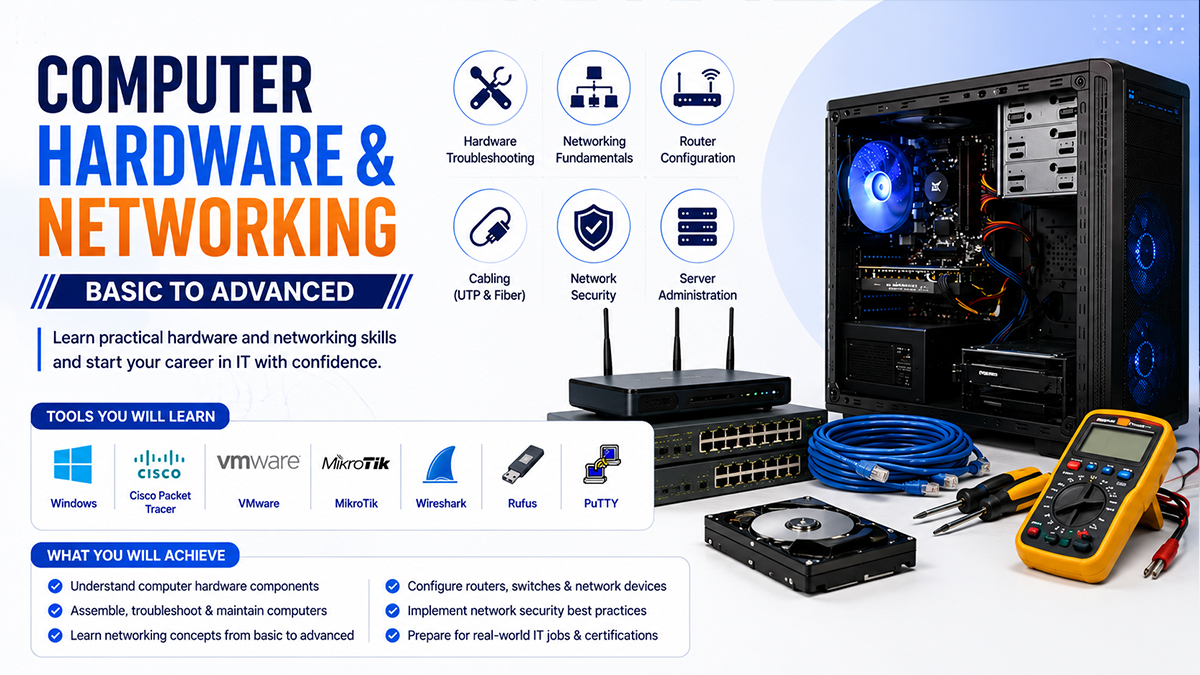
🖥️ Computer Hardware & Networking (Basic to Advanced)
Course Details
🖥️ Computer Hardware & Networking (Basic to Advanced)
Master Computer Hardware, Networking & IT Support Skills
Build a strong foundation in computer hardware, networking, operating systems, and IT support through practical, project-based training. This course is ideal for students, job seekers, and aspiring IT professionals who want to develop the skills required for hardware maintenance, network setup, troubleshooting, and technical support.
📅 Course Information
• Duration: 3 Months
• Total Classes: 24
• Class Duration: 1.5 Hours
• Frequency: 2 Classes/Week
• Training Method: Practical & Project-Based (Online/Offline)
• Skill Level: Beginner to Advanced
🖥️ Course Prerequisites
• Desktop or Laptop
• Internet Connection
⭐ Course Facilities
• 🎥 Online Live Classes
• 🔄 Review Classes
• 📹 Class Recordings
• 📂 Learning Resources
• 💼 Virtual Internship
📚 Course Modules
Module 1 – Computer Fundamentals
• Computer Basics
• Hardware vs Software
• Computer Components
• System Architecture
Module 2 – Computer Hardware
• Motherboard, CPU & RAM
• HDD & SSD
• Power Supply
• PC Assembly & BIOS/UEFI
Module 3 – Operating System & Troubleshooting
• Windows Installation
• Driver Installation
• System Configuration
• PC Troubleshooting & Maintenance
Module 4 – Networking Fundamentals
• LAN, MAN & WAN
• IP Addressing
• Network Devices
• RJ45 Cable Crimping
Module 5 – Network Configuration
• LAN Setup
• Router & Wi-Fi Configuration
• DNS & DHCP
• File & Printer Sharing
• Network Troubleshooting
Module 6 – IT Support & Career Development
• Virus & Malware Protection
• Backup & System Optimization
• Office Network Project
• IT Support Career Guidance
• Final Practical Assessment
🎯 Who Should Join?
• Students
• Job Seekers
• IT Support Beginners
• Computer Technicians
• Freelancers
• Anyone interested in Computer Hardware & Networking
💼 Career Opportunities
• Computer Hardware Technician
• IT Support Executive
• Network Support Technician
• Help Desk Support
• Desktop Support Engineer
• Junior Network Administrator
🚀 Why Choose This Course?
• Beginner to Advanced Curriculum
• 100% Practical & Hands-on Training
• Real Hardware & Networking Labs
• Office Network Project
• Experienced Trainers
• Career-Oriented Skills
• Job & Freelancing Guidance
• Professional Certificate
🧰 Course Outcomes
After completing this course, you will be able to:
• Assemble and maintain desktop computers
• Install and troubleshoot Windows operating systems
• Configure LAN and Wi-Fi networks
• Set up routers and basic network devices
• Perform essential IT support and system maintenance
• Handle common hardware and networking issues confidently
Start your journey toward a successful IT career by mastering computer hardware, networking, and technical support with practical, industry-focused training.